
Create a Wallet
Understand what a new wallet creates and what must be backed up before receiving assets.
Open guide →A multi-chain wallet, blockchain network and Web3 knowledge hub from imtoken
Manage multi-chain assets, choose networks, send and receive, connect to DApps, review approvals, learn how networks work and build safer wallet habits in one clear information system.
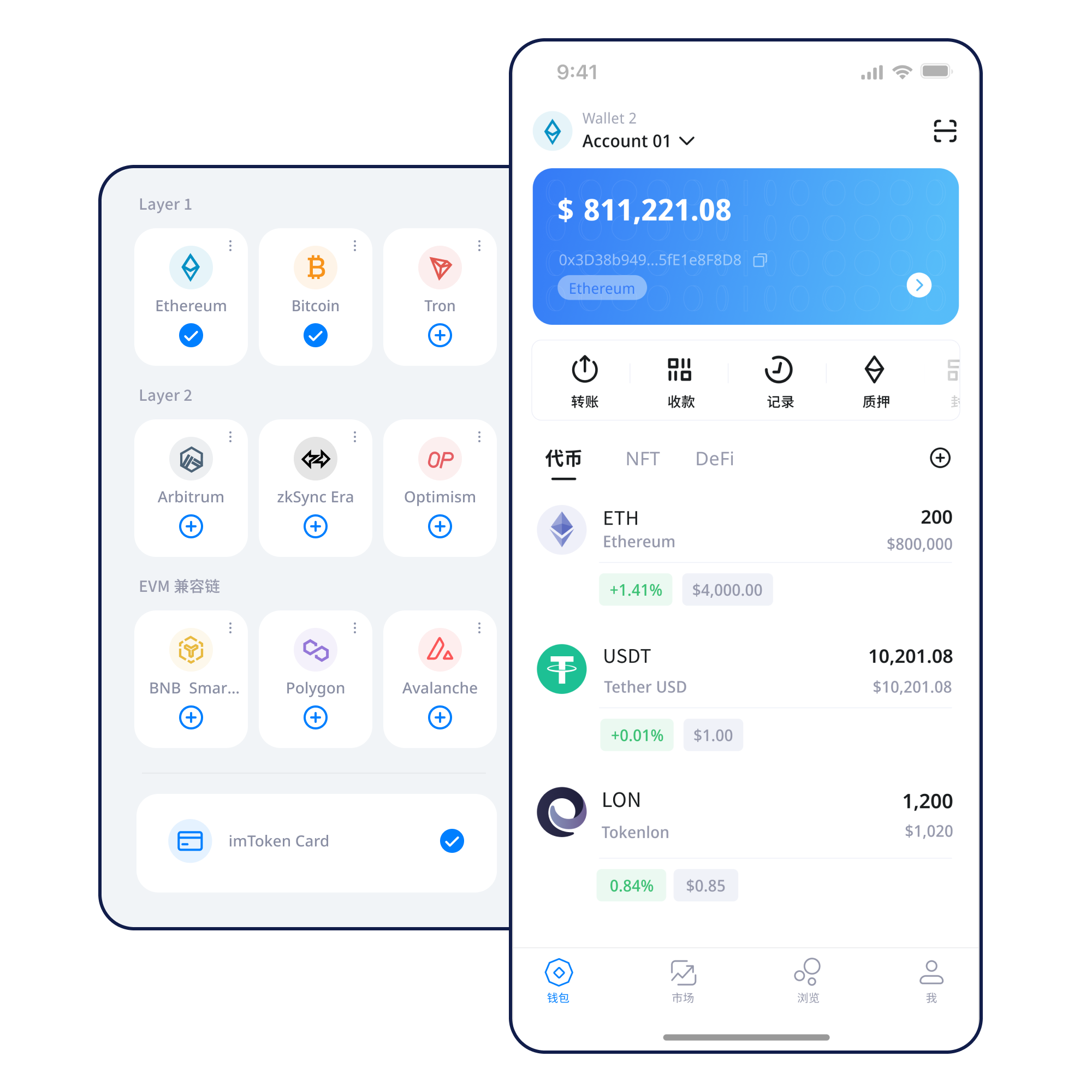
A wallet becomes easier to understand when concepts are attached to concrete actions. Each task below leads to a focused guide.
Understand what a new wallet creates and what must be backed up before receiving assets.
Open guide →Keep recovery information offline and verify that the backup can be read before it is needed.
Open guide →Check the receiving address and network together before sharing an address or accepting a transfer.
Open guide →Review the destination, network, amount, gas and expected result before confirming a transfer.
Open guide →Verify the domain first, then inspect each account, signature and approval request separately.
Open guide →The goal is not to make every action look identical, but to expose the network, permission and security information that matters.
Asset symbols can repeat across networks. Review network identity, address context and confirmation rules together.
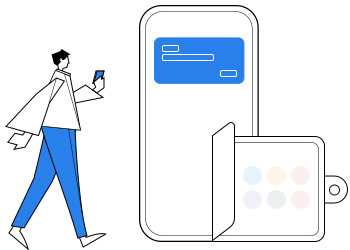
Check the receiving address, selected network, amount, gas and transaction hash as part of one complete flow.
Open transfer guide →Manage networks, review assets and transactions, and approach DApp requests from a mobile wallet.
Explore the app →Browser connections should make account access, signing and approval requests understandable before confirmation.
Understand web connections →Keep seed phrases and private keys under your own control, preferably offline. Review addresses, signatures and approvals before acting.
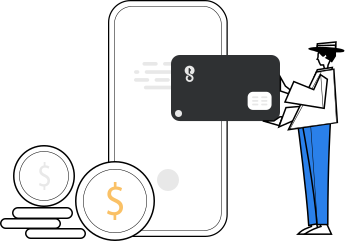
Switch between topics to compare how network identity, fees and confirmations change across different environments.
Different networks can carry different asset standards, fees and confirmation rules. Treat network identity as part of the asset itself and verify it before every transfer.
Learn more →Public chains coordinate nodes, blocks, transactions and consensus to maintain shared state. A blockchain explorer helps you inspect what the network recorded.
Learn more →
EVM-compatible networks share many address and contract concepts, but gas assets, network identifiers and deployed contracts can still differ.
Learn more →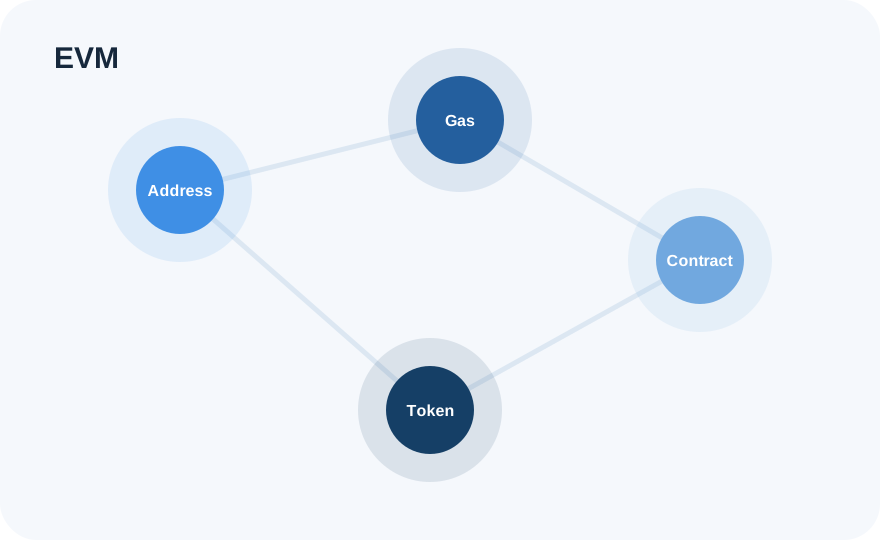
Layer 2 environments relate to a base network but can have distinct deposit, withdrawal and confirmation flows. Check the destination layer before bridging.
Learn more →
Fees can change with network demand, and a broadcast transaction may move through pending, confirmed or failed states. Use the transaction hash to verify status.
Learn more →Each step has a different risk surface. Treat backup, network selection and signing as deliberate checkpoints.
Use the official download entry and review the device state before installation.
Understand whether you are creating a new secret or importing an existing one before proceeding.
Store the seed phrase offline and never send it to another person or support channel.
Verify the network and receiving address as one combined check.
Check address, network, amount and gas before confirming a transfer.
Use transaction history and the transaction hash to check results and review unnecessary approvals.
Connecting a wallet does not mean every later signature or approval should be accepted. Review every request in context.
A secure workflow starts before a transaction. Keep seed phrases and private keys under your own control, avoid sharing verification codes, inspect the network and destination before sending, and read every DApp request before signing. Public devices, public networks, remote-control tools and unverified websites can all introduce additional risk. On-chain transactions are generally not reversible by the wallet alone, so careful review before confirmation matters.
Open security centerStart with the difference between an address and a secret key, then learn why networks matter, how gas and transaction hashes work, and what changes when a DApp asks for a signature or token approval.
Staking content is educational and avoids fixed-yield or risk-free claims.
Learn how Ethereum PoS, validators, reward sources, withdrawals and exits fit together. Rewards are not guaranteed and can change with network conditions.
Learn the fundamentals →Validator penalties, waiting periods, smart-contract risk, third-party service risk and digital-asset price volatility can all affect outcomes.
Understand PoS & validators →Review wallet and network settings after an app update before carrying out a high-impact action.
When network conditions change, gas and confirmation speed can change as well; verify current status before sending.
A legitimate support interaction should not require your seed phrase, private key or verification code.
If a service flow is unavailable, avoid repeated submissions and verify whether an earlier request already reached the network.
An address can be shared to receive assets. A private key controls the ability to authorize actions for the account and should remain secret.
The same asset symbol can exist on different networks. A correct-looking address does not remove the need to verify the network.
Gas is used by many networks to meter computation and determine the fee required to process a transaction or contract call.
No. Connection, signing, transaction confirmation and token approval are separate actions and should be reviewed separately.
No promise should be made that a wallet can recover secrets it does not control. Keep backups under your own control.
No. Rewards can change, exits can involve waiting periods, validators can face penalties, and digital asset prices can fluctuate.
Review active permissions and disconnect sessions you no longer need. Consider revoking approvals that are no longer required.
Use the unified download entry. Review the network, security and action details before transferring, signing or approving.